How I build my projects with AI

Julien Ancel
7 min read
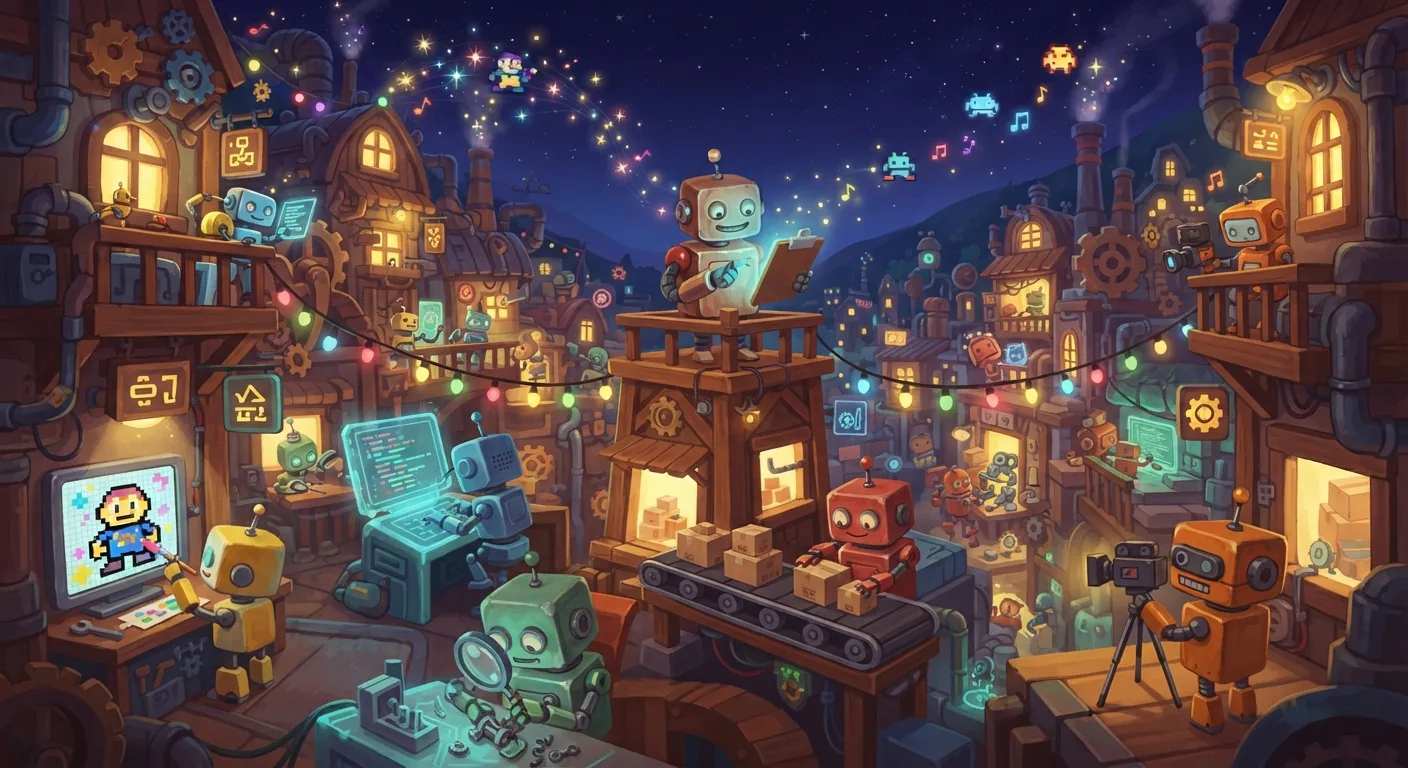
I always have too many ideas. What matters is the road from an idea scribbled down to a real project online that people use. Here is how I build my projects today: with AI at every step, but never in my place.
I'm a product builder. I don't have a team of twenty behind me: I have tools and AI agents that work alongside me, from the first draft to launch. It isn't magic. It's a chain, with clear steps, and each step has its tool. Before going into detail, here it is in full.
The chain at a glance
Step 1 of 6
The idea
I put it in front of AI to find its cracks before I spend time on it.
1. The idea, challenged with AI
It all starts with an idea. Often one sentence typed into my phone between two other things. Before I spend a single hour on it, I put it in front of AI. Not so it tells me the idea is great, it always will if you let it. I ask it to find the cracks.
In practice, I give it the idea and ask it to play devil's advocate. The same questions always come back:
- Does the idea fit in one sentence?
- Who is it for, exactly, and why now?
- What could make it fail?
- Who already does it, and why would people come to me?
I push the conversation until I run out of easy answers. That's where the idea gets sharper: it loses pieces, it gains an angle. If it survives, it moves on. If not, I shelve it. And that's fine: an idea dropped after one hour costs far less than a project dropped after three months.
I don't ask AI whether my idea is good. I ask it why it could fail.
Want to try with yours? Answer honestly.
Put your idea to the test
2. The research
Then I dig. AI helps me move fast: it reads, it sums up, it compares. I ask it to bring me material, not conclusions. I always look at the same things:
- What already exists, and what really works for others.
- What people say about it: reviews, forums, complaints.
- The numbers, when there are any, with their source.
- What's missing, and the room my project can take.
One rule never moves: I check the sources myself. AI can be wrong with a lot of confidence. Research without sources is just a well-written opinion.
At the end, I have one clear page. Not a fifty-page report: one page I reread before every important decision.
3. I picture it in Pencil.dev
This is where the idea gets real. Pencil.dev (opens in a new tab) is my design tool: I draw the screens, the flows, the mood. I really picture it. What does the first screen look like? What does the user see first? Where do they tap? What makes them want to come back tomorrow?
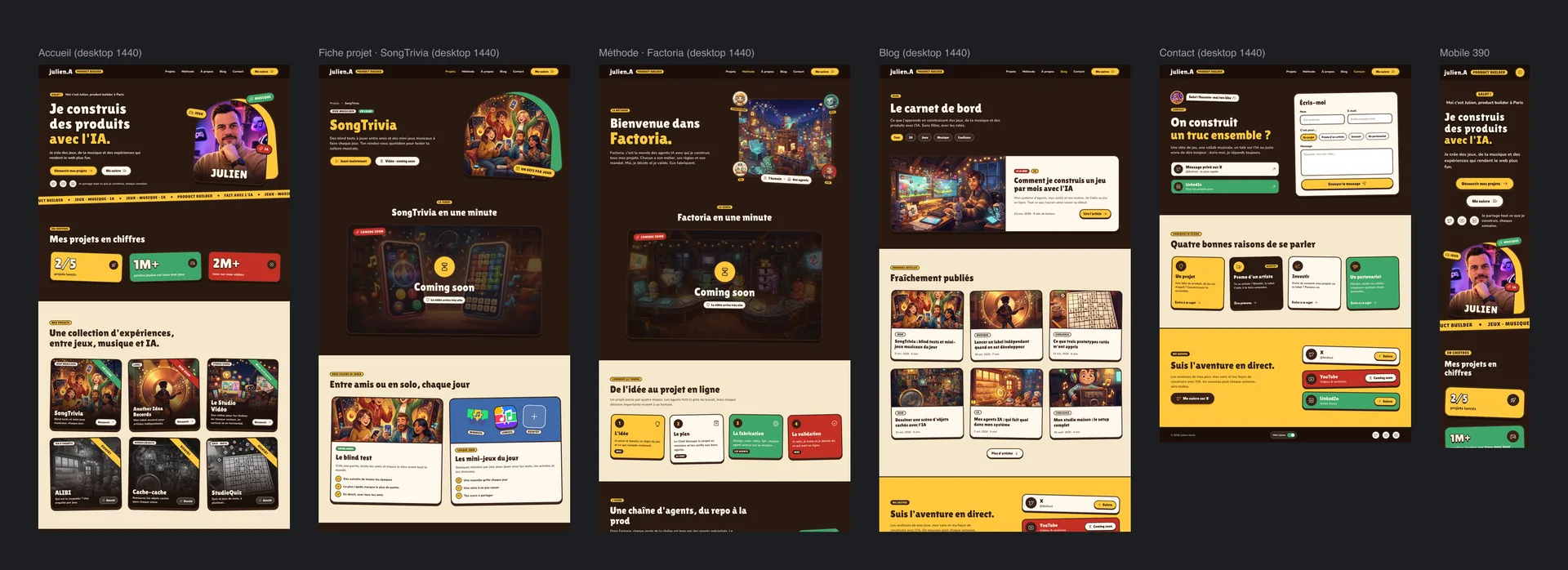
And I keep challenging. I can connect Pencil to Mobbin (opens in a new tab), a huge library of screens from real apps, to see how the best apps build their flows: a sign-up, a first launch, a results screen. Not to copy, but to understand what works, and why.
This site is a good example: every page was drawn in Pencil, for desktop and mobile, before the first line of code. But the mockup isn't a contract. Drag the handle to see what changed between the drawing and the site.
From mockup to site
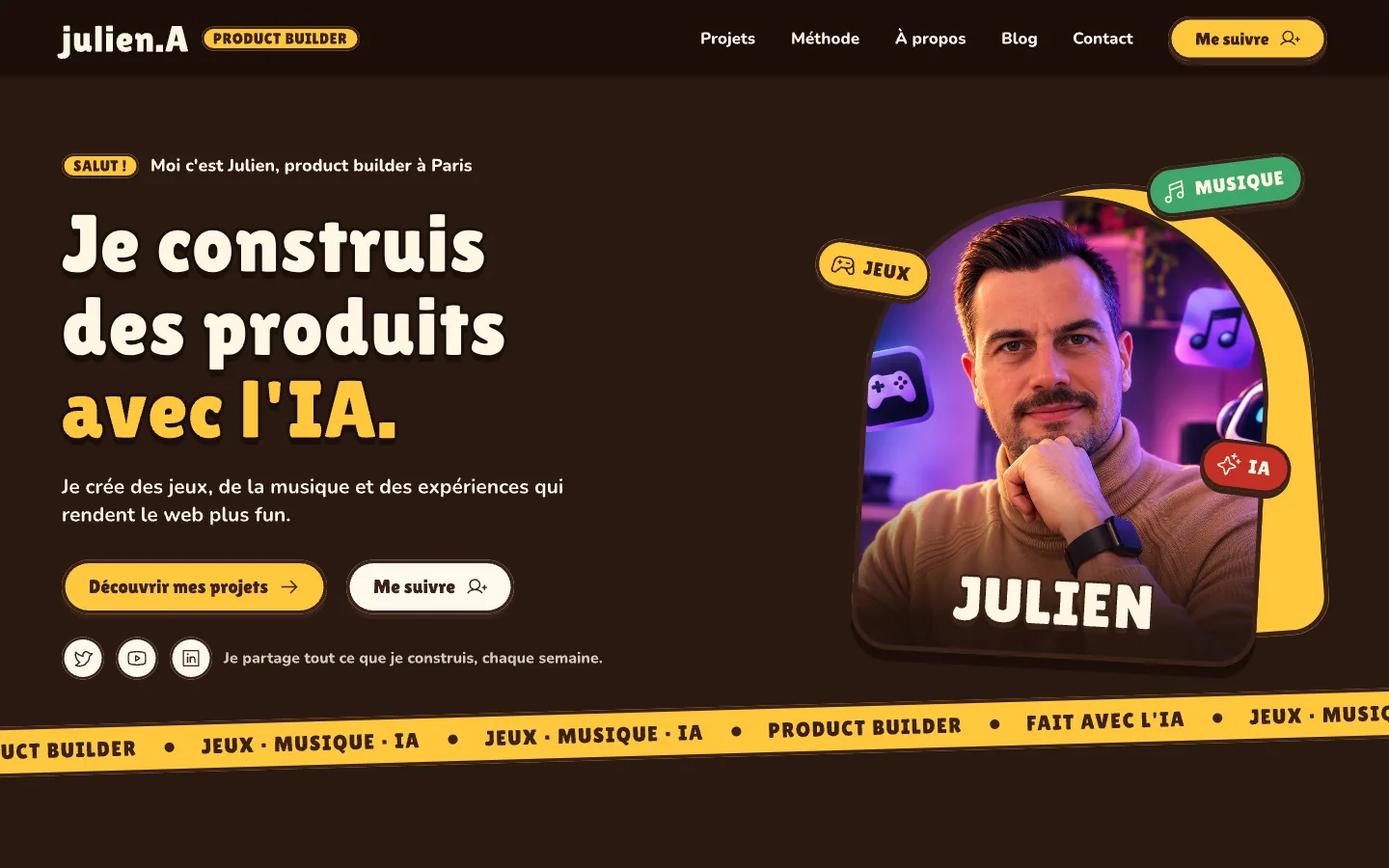
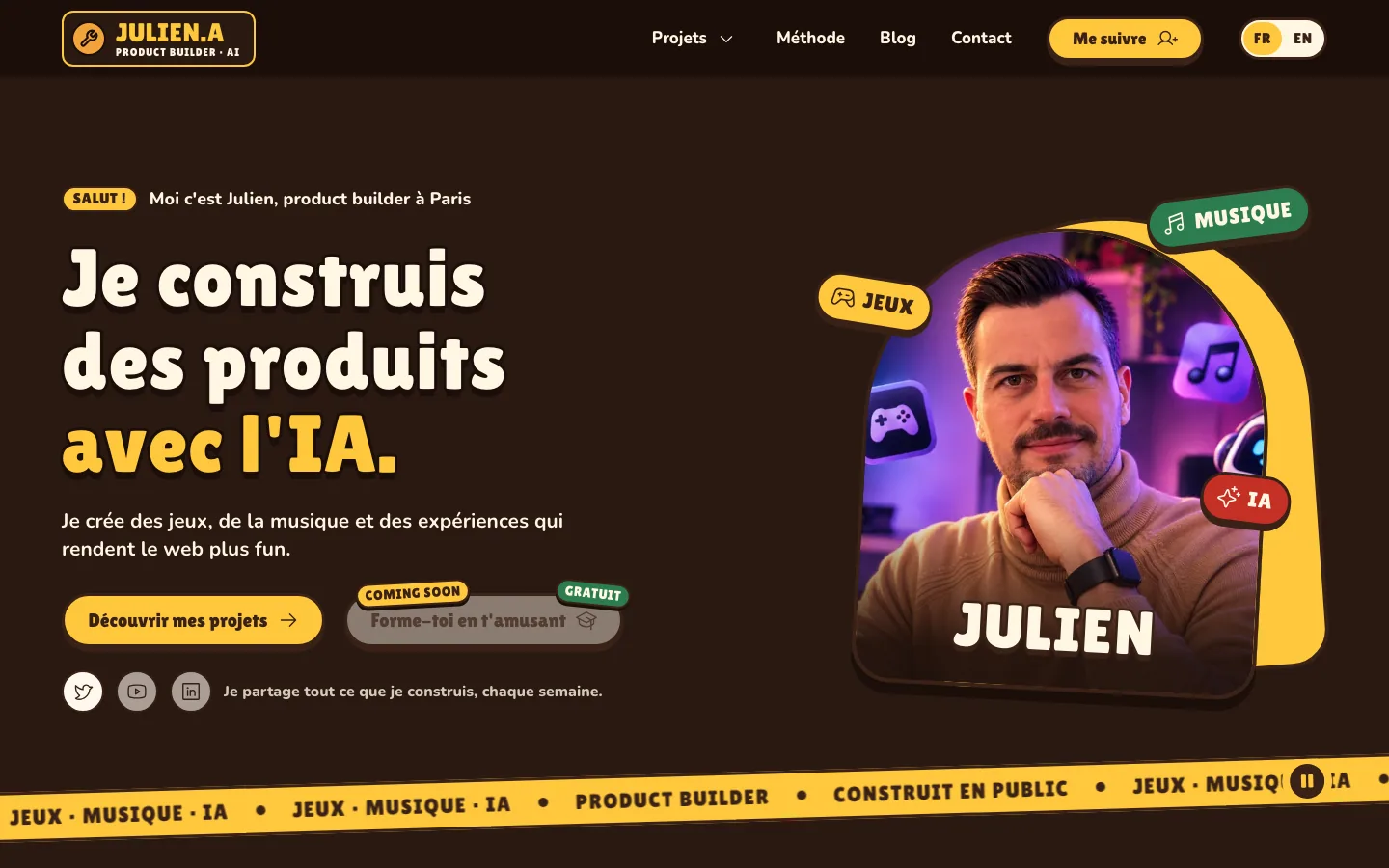
The logo changed, so did the banner, and a button appeared. Each difference is a decision made along the way, by testing for real. That's normal, it's even the point.
4. Writing it all down in T3 Code, with Claude
A nice design isn't enough. The project has to be written down, in black and white. I do this in T3 Code, with Claude. The document always answers the same questions:
- Why this project exists, in one sentence.
- Who it's for, and what those people really want.
- The flow, screen by screen.
- How we'll know it works: criteria we can check.
- What we're not doing, for now.
Here too, I challenge. Claude asks the questions I would have missed, spots the edge cases, suggests ways to split the work. And if I change my mind along the way, we rewrite. I make the calls. At the end, the project is cut into clear pieces, each with its own success criteria.
Then we build it together. I watch each screen take shape, I test locally, on my computer and on my phone, and I correct course right away. Nothing goes live until I've signed off on it.
5. Factoria takes over
Once the project is well scoped, it goes into Factoria, our factory of AI agents. Every agent there has a trade, rules and a mandate. The project moves from one station to the next, like on a production line.
The Factoria agents at work
The foundations · Set up the GitHub repo, the structure and the project tooling.
Three rules hold it all together. One way in: every request goes through a chief, so nobody steps on anybody's toes. A clear mandate for each agent: a mission, a scope, a budget and a time limit. And anything irreversible stays human: a launch, spending money, a delivery, I sign off on it.
The agents build. The human decides.
6. Test, iterate, ship, fix, improve
A project doesn't stop at launch. That's where it really begins. Real users always teach me more than my own tests. So I ship early, I listen, and I keep the loop turning.
The loop that never stops
Test
I play, I break things, I get people to try it.
Testing means using my own product like a stranger would, and getting the people around me to try it. Iterating means accepting that the first version is only a draft. Shipping means publishing as soon as the core is right, even if not everything is perfect. Fixing means turning every piece of feedback into action. And improving means growing the project, one feature at a time.
A real example: this site
This site followed that road. The idea: a place that shows what I build and how I build it. The design: every page in Pencil, for desktop and mobile. The write-up, then the build: in T3 Code, with Claude.
Today, the site is in French and English, its content is plain text files, and more than four hundred automated tests check every page on every change. Just on the day I'm writing this article, the loop turned several times: a new logo, videos in both languages, and a display bug fixed in Chrome.
What I take away
AI works alongside me at every step, but it never decides for me. The real work is asking the right questions, keeping your taste and choosing. Tools change fast. The method stays: challenge, research, picture it, write it down, build, test, start again.
Got a question about how I work, or a project in mind? Write to me.
- AI
- Process
- Tools
Enjoyed this?
I share an article like this one every week. Follow me so you don't miss the next one.